Free Roblox Gamepass Icon Pack
Download 10 matching 512×512 PNG Roblox gamepass icons with transparent circular edges: VIP Crown, 2x Coins, Speed Boost, Double XP, Auto Collect, Super Luck, Coin Magnet, Fly Wings, Extra Pet Slot, and Rainbow Trail. Grab any single icon or download all 10 as a ZIP with no sign-in required. Free for personal and commercial Roblox experiences.
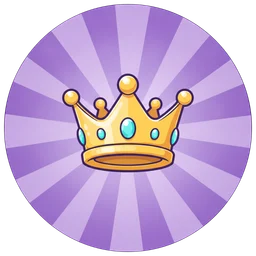
VIP Crown
VIP rooms, chat tags & prestige passes
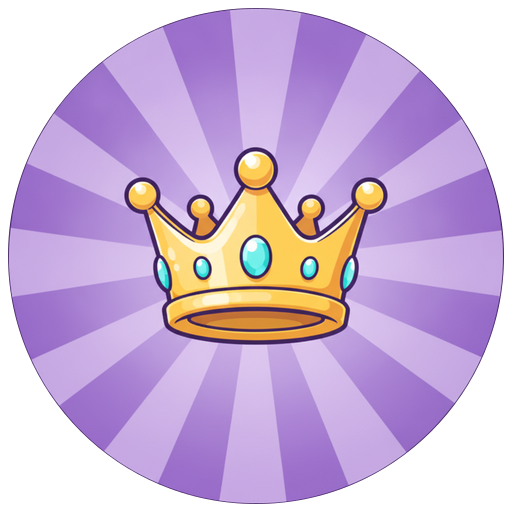
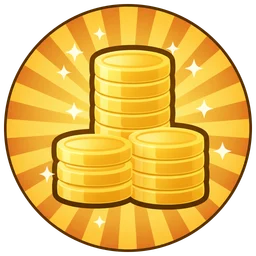
2x Coins
Double currency & cash multiplier passes

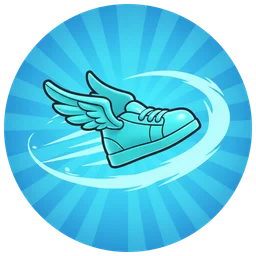
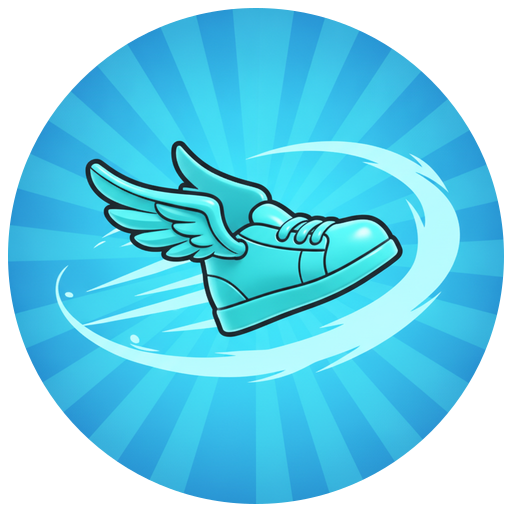
Speed Boost
Faster walk speed, sprint & obby boost passes
Double XP
2x experience, leveling & mastery passes
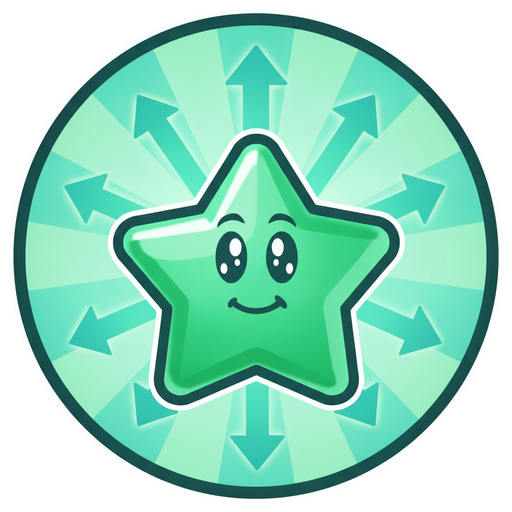

Auto Collect
Tycoon & simulator auto-pickup passes

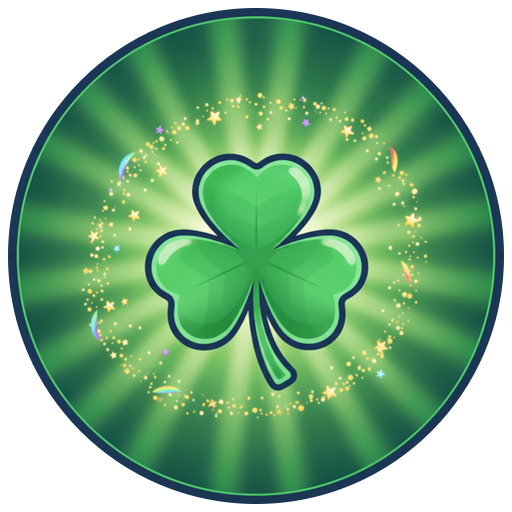
Super Luck
Egg hatching, crate & drop-rate luck passes
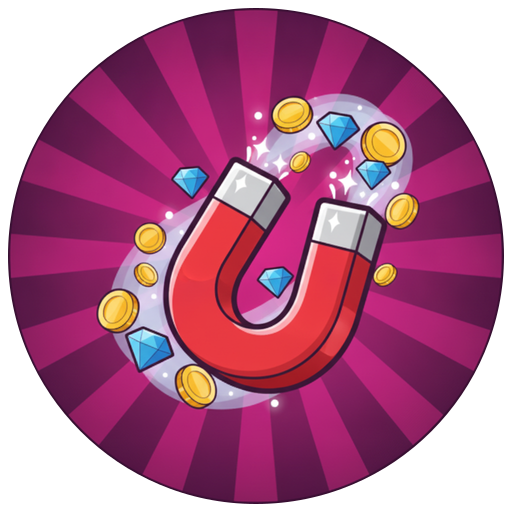
Coin Magnet
Wide-range coin & gem vacuum passes

Fly Wings
Flight, glide & gravity-coil passes

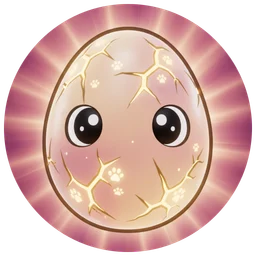
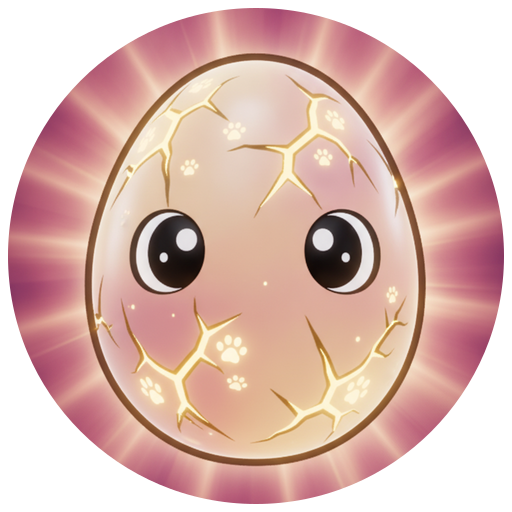
Extra Pet Slot
+1 pet equip, hatching & companion passes
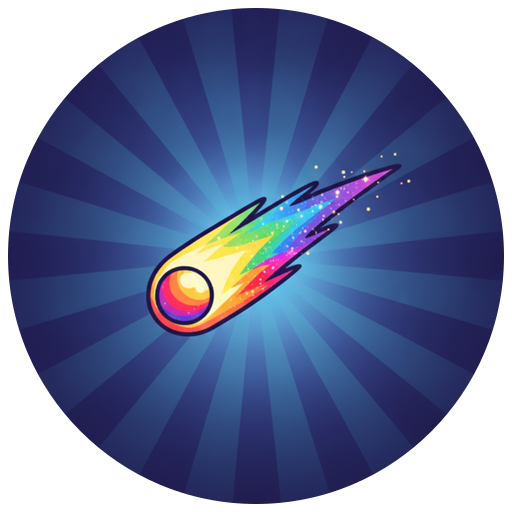
Rainbow Trail
Cosmetic trails, auras & effect passes
Need custom matching icons for your own game passes?
Open Icon Pack Mode in RBXGFX to generate 2–5 style-matched 512×512 icons for your exact game passes in one request.
License: free to use in personal and commercial Roblox experiences with no attribution required. Please do not resell or redistribute these icons as a standalone icon pack.
How to use it
- 1
Preview at Roblox store size
Switch to the Roblox 150px check to verify every icon reads clearly at small shop size before downloading.
- 2
Download one PNG or the full ZIP
Save individual 512×512 transparent circular PNGs or press Download all 10 as ZIP to grab the complete set in one click.
- 3
Upload to Creator Dashboard
Open your experience in Roblox Creator Dashboard → Monetization → Passes → Create a Pass and upload the PNG directly.
What is inside the free pack
Every icon in this starter pack is 512×512 pixels in PNG format — matching Roblox Creator Hub guidance for game pass images (up to 512×512 px in JPG, PNG, or BMP). Each icon is pre-composed and masked inside a clean circle with transparent corners so nothing important gets clipped when Roblox displays passes in a circle.
| Icon | File size & format | Typical pass use |
|---|---|---|
| VIP Crown | 512×512 PNG (circle) | VIP room, golden chat tag, prestige perk |
| 2x Coins | 512×512 PNG (circle) | Double cash, gold or coin multiplier |
| Speed Boost | 512×512 PNG (circle) | Walk speed coil, sprint or obby boost |
| Double XP | 512×512 PNG (circle) | 2x experience and faster leveling |
| Auto Collect | 512×512 PNG (circle) | Tycoon or simulator auto-pickup |
| Super Luck | 512×512 PNG (circle) | Higher rare egg, pet or crate odds |
| Coin Magnet | 512×512 PNG (circle) | Wide-radius pickup vacuum |
| Fly Wings | 512×512 PNG (circle) | Flight, glide or low-gravity perk |
| Extra Pet Slot | 512×512 PNG (circle) | +1 equipped pet or egg hatch slot |
| Rainbow Trail | 512×512 PNG (circle) | Cosmetic trail or aura pass |
Why consistent pass icons lift shop conversions
When a game pass shop mixes mismatched clip art, raw screenshots and unreadable text, players hesitate before spending Robux. Matching outline thickness, color saturation and centered silhouettes make your passes look like an intentional store catalog.
All 10 icons in this pack were generated with RBXGFX in one cohesive cartoon style and have zero baked-in text, so they stay readable at 150px across every language your players use.
Roblox game pass image rules
Roblox displays game pass images in a circle and asks for square images up to 512×512 pixels in JPG, PNG or BMP format. Avoid placing text or faces near the corners, and keep one bold central object with high contrast against the background.
- 512×512 px square PNG — ready to upload without resizing.
- Pre-masked circular silhouette with transparent corners.
- No small text that blurs when scaled down to 150px on phones.
- Moderated by Roblox like all uploaded images; avoid third-party logos or copyrighted characters.
Need new art?
Describe your game and get up to five differently composed thumbnails or icons, already at Roblox's upload sizes. New accounts get 5 free credits.
Make thumbnails with AIFrequently asked questions
More Roblox tools
- Thumbnail Maker5 test-ready thumbnails at 1920×1080
- Game Icon MakerSquare 512×512 icons for your game
- GFX MakerRendered-style scenes without Blender
- Avatar GFX MakerUse a public Roblox username as your GFX reference
- Gamepass Icon MakerIcons composed for the circular crop
- Badge Icon MakerAchievement badges that survive the crop
- Group Icon MakerEmblems for groups and studios
- Game Logo MakerStylized title lettering for your game
- Thumbnail Size CheckerCheck and fix a thumbnail for free
- Icon Size CheckerSizes for game, pass, badge and group icons
- Thumbnail PreviewSee your art on Home, on a phone and at icon size
- Update Icon MakerAdd an UPDATE or EVENT label to your icon
- Game Icon DownloaderDownload a game's icon and thumbnails and check its page
- Thumbnail TemplatesStarting points for popular genres
- ExamplesThumbnails and icons made by other developers