Roblox Thumbnail Templates
Each genre has thumbnail layouts players already recognize. Pick yours, start from a ready-made description, and generate a set of variants to test.
Obby templates
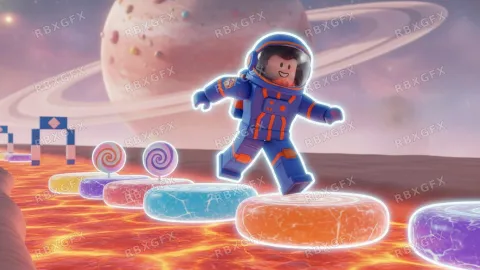
Show height. A character above a long drop reads as "obby" faster than any text.
6 starting pointsTycoon templates
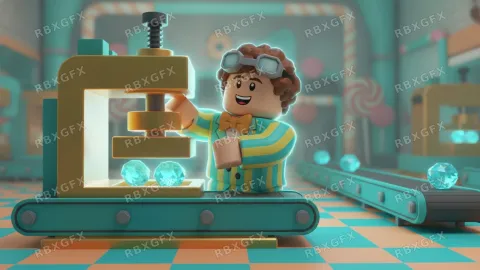
Show the finished build, not the empty plot. Players click on where they will end up.
6 starting pointsSimulator templates
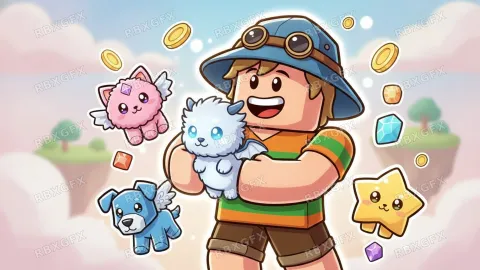
Lead with the collectible. A giant pet or item is the reason players click.
6 starting pointsHorror templates
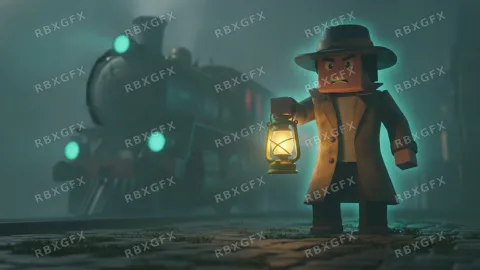
Hide the monster. A shape in the dark is scarier than a detailed creature, and it holds up at small sizes.
6 starting pointsRoleplay templates
Show several roles at once (driver, chef, doctor) so players see the variety.
6 starting pointsFighting templates
The versus layout is the genre default for a reason: two silhouettes and a clash line read instantly.
6 starting points
Thumbnail examples
More Roblox tools
- Thumbnail Maker5 test-ready thumbnails at 1920×1080
- Game Icon MakerSquare 512×512 icons for your game
- GFX MakerRendered-style scenes without Blender
- Gamepass Icon MakerIcons composed for the circular crop
- Badge Icon MakerAchievement badges that survive the crop
- Group Icon MakerEmblems for groups and studios
- Game Logo MakerStylized title lettering for your game
- Thumbnail Size CheckerCheck and fix a thumbnail for free
- Icon Size CheckerSizes for game, pass, badge and group icons
- ExamplesThumbnails and icons made by other developers