Roblox Obby Thumbnail Templates
Obby thumbnails sell one feeling: a jump you are not sure you can make. These templates start from the layouts that communicate that at a glance, such as height, bright platforms and a character mid-air.
Obby templates
What works for obby thumbnails
- Show height. A character above a long drop reads as "obby" faster than any text.
- Use the rainbow. Saturated, clearly separated platform colors are the genre’s signature.
- Put the hardest-looking obstacle in the frame so the challenge is obvious.
- For difficulty-chart obbies, a visible stage number or color ladder tells players what kind of obby it is.
Obby examples from the gallery
One Obby prompt, five compositions
- Prompt used for all five thumbnails
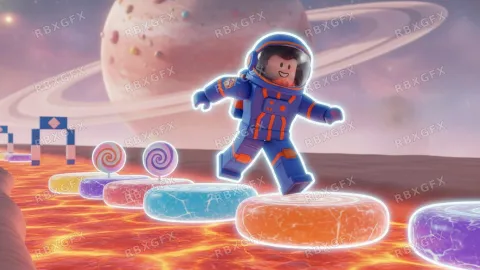
- A cheerful blocky astronaut crossing bright floating stepping stones on a ringed candy planet, clean cobalt and orange palette
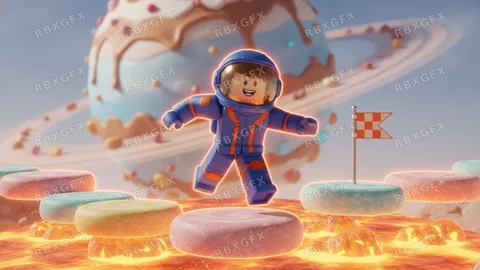
Character close-up 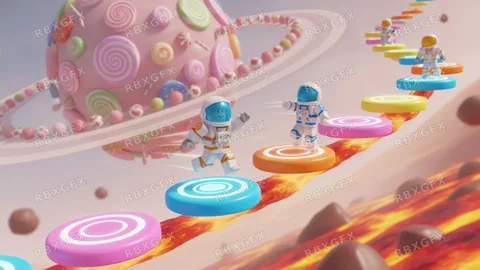
Action shot 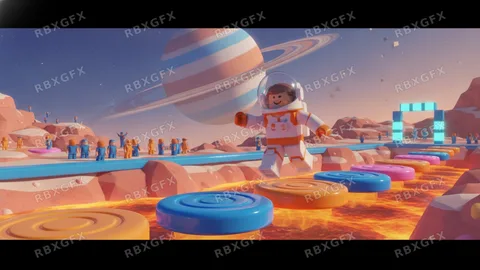
World view 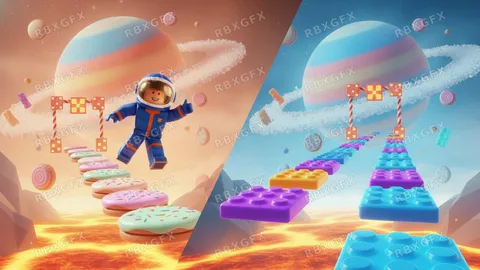
Face-off 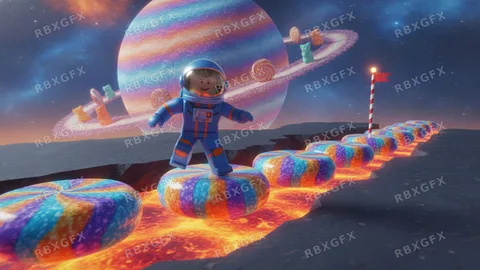
Bold and simple
Frequently asked questions
More Roblox tools
- Thumbnail Maker5 test-ready thumbnails at 1920×1080
- Game Icon MakerSquare 512×512 icons for your game
- GFX MakerRendered-style scenes without Blender
- Gamepass Icon MakerIcons composed for the circular crop
- Badge Icon MakerAchievement badges that survive the crop
- Group Icon MakerEmblems for groups and studios
- Game Logo MakerStylized title lettering for your game
- Thumbnail Size CheckerCheck and fix a thumbnail for free
- Icon Size CheckerSizes for game, pass, badge and group icons
- ExamplesThumbnails and icons made by other developers