Roblox Simulator Thumbnail Templates
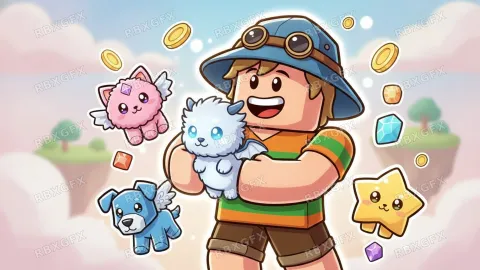
Simulator art is about collecting and getting bigger: pets, gems, numbers going up. These templates put the collectible front and center.
Simulator templates
What works for simulator thumbnails
- Lead with the collectible. A giant pet or item is the reason players click.
- Show scale: a small character next to something enormous implies progression.
- Refresh the thumbnail with each update, featuring the new area or pet.
- Bright, candy-colored palettes are expected in this genre; a dark image looks out of place.
Simulator examples from the gallery
Frequently asked questions
More Roblox tools
- Thumbnail Maker5 test-ready thumbnails at 1920×1080
- Game Icon MakerSquare 512×512 icons for your game
- GFX MakerRendered-style scenes without Blender
- Gamepass Icon MakerIcons composed for the circular crop
- Badge Icon MakerAchievement badges that survive the crop
- Group Icon MakerEmblems for groups and studios
- Game Logo MakerStylized title lettering for your game
- Thumbnail Size CheckerCheck and fix a thumbnail for free
- Icon Size CheckerSizes for game, pass, badge and group icons
- ExamplesThumbnails and icons made by other developers