Roblox Thumbnail Size and Dimensions
A Roblox game thumbnail should be 1920×1080 pixels, a 16:9 aspect ratio. Roblox accepts .jpg, .gif, .png, .tga, .bmp files and advises keeping thumbnails under 3 MB.
Check your image
Blank PNG templates
Place the transparent guide above your artwork in an image editor. Hide it before exporting your finished image.
- Download PNG
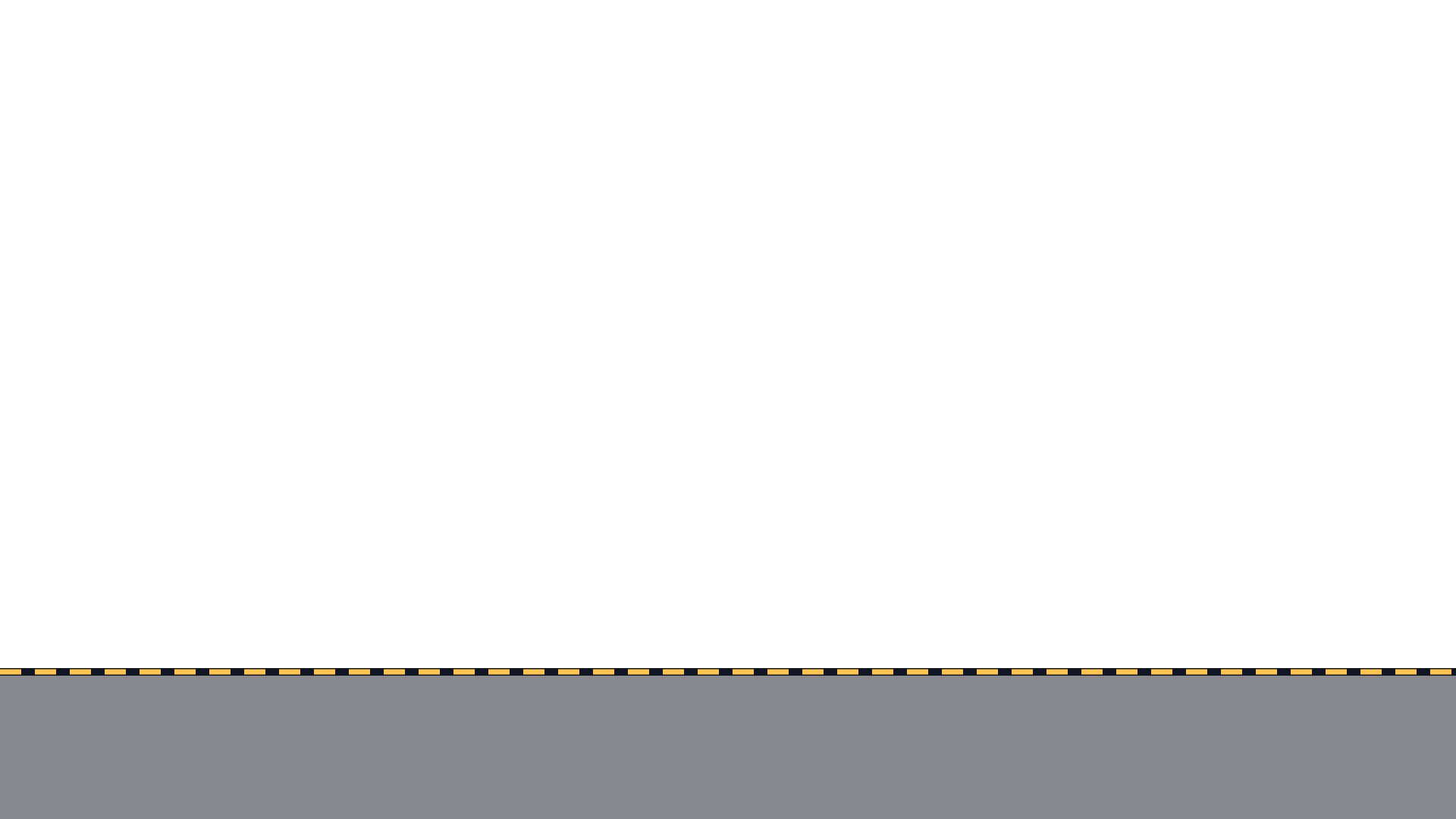
Thumbnail 1920×1080
Keep key details above the shaded strip. It shows an approximate area that may be covered.
Size reference
| Asset | Size | Shape | File formats | File size | Source |
|---|---|---|---|---|---|
| Game thumbnail | 1920×1080 px | Landscape (16:9) | .jpg, .gif, .png, .tga, .bmp | Under 3 MB | Creator Hub |
What happens if the size is wrong
Roblox does not reject a thumbnail for being the wrong shape. The Creator Hub documentation states that displayed thumbnails are stretched to a 16:9 aspect ratio regardless of the upload’s aspect ratio. A square or portrait image is therefore distorted, not cropped.
Uploading smaller than 1920×1080 works, but the documentation recommends that size so the thumbnail always displays in high resolution. The checker above flags both problems and can export a corrected copy.
Why you will see other numbers
Search results for this question disagree, and sizes such as 512×512 or 420×420 are often quoted for thumbnails. 512×512 is the documented size of the game icon, the square tile, which is a different asset from the 16:9 thumbnail. We could not find the other figures in the current Creator Hub documentation.
When sources conflict, use the documentation’s own wording: 16:9, ideally 1920×1080.
Keep the bottom edge clear
The documentation advises against placing essential text or elements at the bottom of a thumbnail, because that area may be covered by details such as the player count. The checker’s preview shades this strip so you can see what is at risk.
How many thumbnails to upload
A game page can feature up to 10 images or videos. For Home, thumbnail personalization starts once 2 or more thumbnails are active, and the setup step asks you to activate 2 to 5.
Roblox recommends testing multiple new thumbnails with any major game or content update, then leaving them unchanged until the next update. That is the reason the thumbnail maker on this site produces a set of five different compositions per request.
Need the image itself?
Describe your game and get a set of variants already at the right size. New accounts get 5 free credits.
Make thumbnails with AIFrequently asked questions
More Roblox tools
- Thumbnail Maker5 test-ready thumbnails at 1920×1080
- Game Icon MakerSquare 512×512 icons for your game
- GFX MakerRendered-style scenes without Blender
- Gamepass Icon MakerIcons composed for the circular crop
- Badge Icon MakerAchievement badges that survive the crop
- Group Icon MakerEmblems for groups and studios
- Game Logo MakerStylized title lettering for your game
- Icon Size CheckerSizes for game, pass, badge and group icons
- Thumbnail TemplatesStarting points for popular genres
- ExamplesThumbnails and icons made by other developers