Roblox Badge Icon Maker
Badges reward players for reaching something in your game, and the icon is the trophy they keep. Describe the achievement and get a set of medal-style icons that survive the circular crop.
How it works
- 1
Describe it
Say what the badge should show in a sentence or two: the character, the object, the mood. Pick an art style if you have one in mind.
- 2
Compare the variants
You get a set of differently composed options from one description, each shown at the small size players will actually see.
- 3
Download at 512×512
Export the one you like as a square 512×512 file and upload it in the Creator Dashboard.
Roblox size requirements
| Asset | Size | Shape | File formats | File size | Source |
|---|---|---|---|---|---|
| Badge icon | 512×512 px | Square file, shown cropped to a circle | Not specified | Not specified | Creator Hub |
Blank PNG templates
Place the transparent guide above your artwork in an image editor. Hide it before exporting your finished image.
- Download PNG
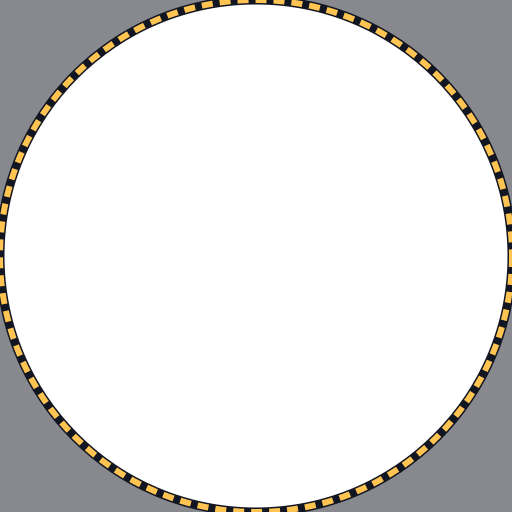
Badge icon 512×512
Keep key details inside the circle.
How Roblox displays badge images
According to the Creator Hub documentation, the upload process trims and crops the badge image into a circular icon, and you should avoid putting important details outside of the circular boundaries. The documentation recommends a 512×512 template.
Text near the edge is the most common casualty. If the badge needs a word on it, keep it short and in the center, or leave it out and let the badge name do that job.
Ideas for badge sets
Badges work best as a visible progression. A few patterns that are easy to generate consistently:
- Tiers: the same emblem in bronze, silver and gold.
- Milestones: a number or a symbol for each stage reached.
- Secrets: a darker or glowing version of your usual style for hidden badges.
- Welcome badge: your mascot waving, awarded on first join.
Frequently asked questions
More Roblox tools
- Thumbnail Maker5 test-ready thumbnails at 1920×1080
- Game Icon MakerSquare 512×512 icons for your game
- GFX MakerRendered-style scenes without Blender
- Gamepass Icon MakerIcons composed for the circular crop
- Group Icon MakerEmblems for groups and studios
- Game Logo MakerStylized title lettering for your game
- Thumbnail Size CheckerCheck and fix a thumbnail for free
- Icon Size CheckerSizes for game, pass, badge and group icons
- Thumbnail TemplatesStarting points for popular genres
- ExamplesThumbnails and icons made by other developers